Seven Things Your Hand-Rolled Markdown Renderer Gets Wrong
One long article exposed seven bugs in a markdown renderer that had been in production for months: images rendering as links, 72 literal asterisks, bullets splitting in two. Each symptom, each fix, and why they stayed hidden.
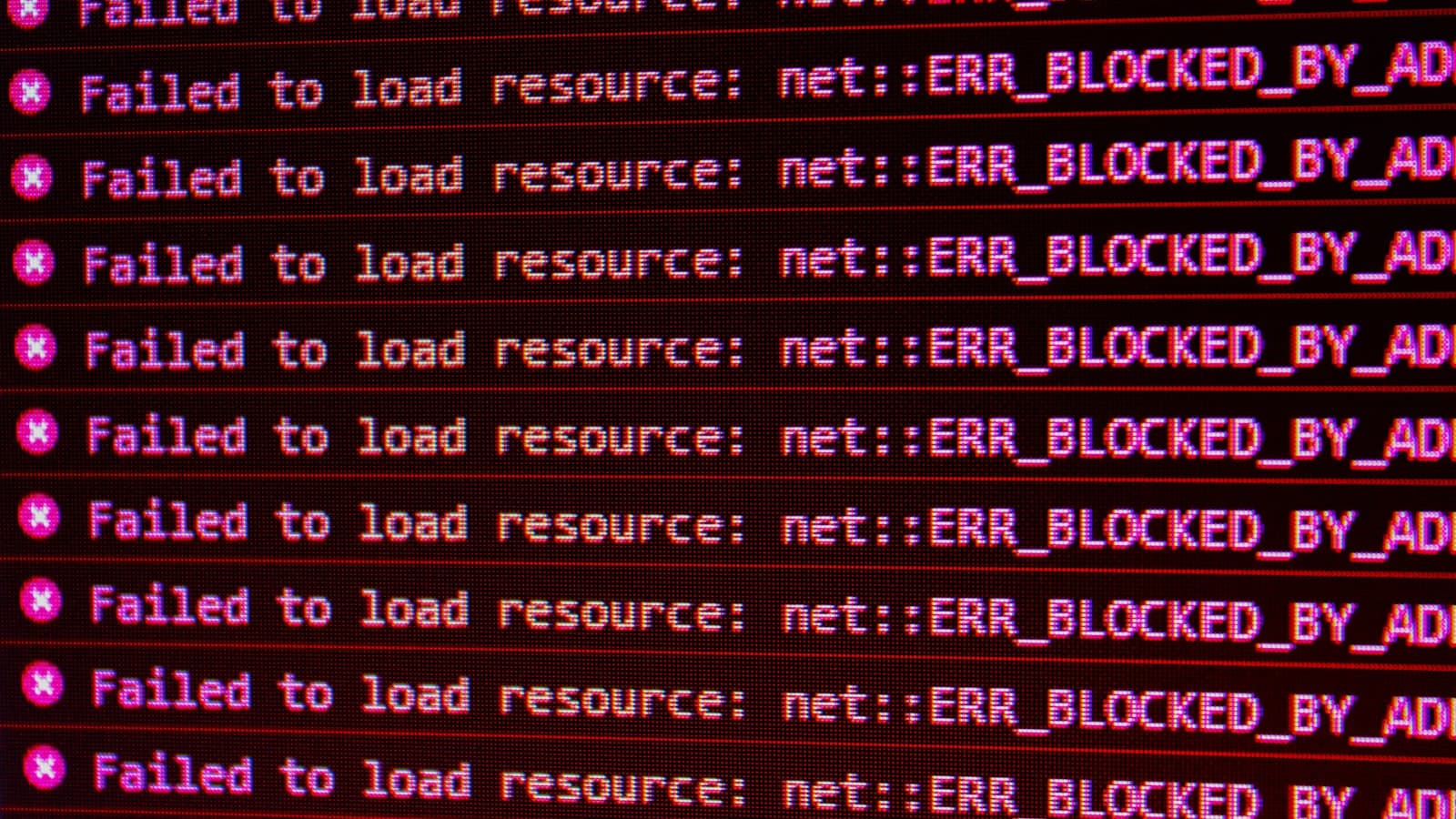
Plenty of sites render markdown with a hundred lines of hand-written code rather than pulling in a parser. It is a reasonable decision. You control the output, there is no dependency to audit, and for headings, paragraphs and links it works fine.
It works fine because most posts only use headings, paragraphs and links.
We published a long article recently that used images, blockquotes, horizontal rules, code fences, italics and wrapped bullet lists, and discovered seven bugs in a renderer that had been in production for months without anyone noticing. Every one of them affected the whole blog. They had simply never been triggered.
Here is each bug, the symptom that reveals it, and the fix — because if you also wrote your own renderer, some of these are already live on your site.
1. Images render as links
The one that got reported.  appeared on the page as a stray exclamation
mark followed by a hyperlink.
The cause is elegant, in a bad way. The block renderer had no image case, so the line fell
through to the paragraph branch, which ran the inline tokenizer — and the inline tokenizer
matched [alt](/path/img.jpg) perfectly well as a link. The ! was left stranded in front of it.
The tell: a bare ! before a link. If you have ever seen that on your own site and assumed
someone typo'd the markdown, you have this bug.
Fix: handle  as a block before anything else, since it is the only construct
that starts with !. Ours renders a proper <figure>, and takes an optional italic line
immediately after as the <figcaption>.
2. Blockquotes are just paragraphs starting with a chevron
> Quoted text rendered as literal > Quoted text.
Nobody noticed for months because nobody had quoted anything. The moment we published a piece that quoted an audit tool sixteen times, it was unmissable.
Fix: detect a block starting with > , strip the marker from each line, join, render as a
blockquote. Two lines of work for something that looks broken until you do it.
3. Horizontal rules print as three hyphens
--- on its own line rendered as the characters ---.
Worth noting the near-miss here: if your renderer splits blocks on blank lines and you write
frontmatter delimited by ---, a naive fix can eat your frontmatter. Match /^-{3,}$/ on a
trimmed block that has already had frontmatter removed.
4. Code fences print their own backticks
Triple-backtick blocks rendered raw, fences and all. On a technical blog this is the bug most likely to be noticed by exactly the readers you least want noticing it.
Fix: on a block starting with ``` ` ``, strip the opening fence and optional language
tag, strip the closing fence, and render the middle inside <pre><code>. Escape it. Do not run
the inline tokenizer over it — code containing ** or [` should stay literal.
5. Italics — 72 literal asterisks on one page
The inline tokenizer handled **bold**, ` code and links. It had no case for
single-asterisk italic`, so every emphasis in the article rendered with visible asterisks
around it. Seventy-two of them.
The fix has a subtlety worth stating, because getting it wrong breaks bold:
// order matters — ** is tried before *
const pattern =
  /\[([^\]]+)\]\(([^)]+)\)|\*\*([^*]+)\*\*|`([^`]+)`|\*([^*]+)\*/;
Regex alternation is ordered, and exec finds the leftmost match — so at a **, the bold
alternative is tried first and wins. The italic alternative cannot steal it, because its body
[^*]+ cannot match the second *. Put italic first instead and every bold on your site becomes
an empty italic followed by garbage.
One more: do not exclude newlines from the italic body. Markdown wraps at 100 characters, so
emphasis routinely spans two source lines. [^*\n]+ silently skips exactly those, which is a
maddening bug to chase because most italics work.
6. Nested inline markup prints raw
[**bold link**](url) rendered as a link whose visible text was **bold link**, asterisks
included.
The tokenizer pushed the captured link text straight into the output as a plain string, so
anything inside it was never processed. Same for bold — **[a link](url)** produced literal
markdown inside a <strong>.
Fix: recurse. When you build the link node, run the inline renderer over the link text instead of inserting it verbatim, and do the same inside bold:
<a href={m[2]}>{renderInline(m[1], `${key}-l${i}`)}</a>Two one-word changes, and both compounds work.
7. Wrapped list items split into separate bullets
This one is the most insidious, because the output looks like a list — just a wrong one.
Renderers commonly do block.split("\n") and treat every line as an item. That is correct only
while every bullet fits on one line. A bullet that wraps:
- **Pick your scoring dimensions** for your vertical. Cover persuasion, proof,
  mechanics — and accessibility.
renders as two bullets, the second reading "mechanics — and accessibility." Reflow your source and the bug moves somewhere else, which is a great way to lose an afternoon.
Fix: group lines into items, appending any line that does not start with a marker onto the previous item:
function groupListItems(block, marker) {
  const items = [];
  for (const raw of block.split("\n")) {
    const line = raw.trim();
    if (!line) continue;
    if (marker.test(line)) items.push(line.replace(marker, ""));
    else if (items.length) items[items.length - 1] += " " + line;
    else items.push(line);
  }
  return items;
}
The pattern behind all seven
None of these were subtle. Every one is visible from ten feet away in a browser. They survived because the renderer was only ever exercised by the subset of markdown the existing posts happened to use — and each new post was written, consciously or not, in the subset that already worked.
That is a feedback loop that hides bugs indefinitely. The author avoids constructs that look broken, so the broken constructs are never used, so nobody fixes them, so authors keep avoiding them.
Two things break the loop:
Write a torture-test post. One draft using every construct you intend to support — image with caption, blockquote, rule, fenced code, italic, bold, inline code, link, bold link, nested emphasis, ordered and unordered lists with wrapped items, a table. Render it. Read it. Fix what you find. Keep it as a page you re-render whenever you touch the renderer.
Grep the rendered HTML, not just the page. Some of these are easy to skim past. A check like:
curl -s https://yoursite/your-post | grep -o '\*[A-Za-z][^*<]\{2,40\}\*' | wc -lwould have found the 72 asterisks instantly. We found them by accident, while checking something else, after the post was live. Automated checks for stray markdown in output are cheap and catch the entire class.
Should you have used a library?
Probably, and we still haven't. The renderer is around 150 lines, it produces exactly the markup and class names our design needs, and it now handles everything we use. Adding a parser plus a sanitiser plus the plumbing to style its output would be more code than we have, not less.
But the honest version of "we wrote our own, it's fine" is: we wrote our own, and it silently mangled six kinds of formatting for months. If you have hand-rolled markdown in production and have never deliberately tested it against anything beyond your usual writing habits, it is worth half an hour to find out which of these seven you have.
Our guess, based on ours: at least three.
Need Help With Your Website?
I fix these problems every day. Send me a message and I'll take a look.
Get Help Now